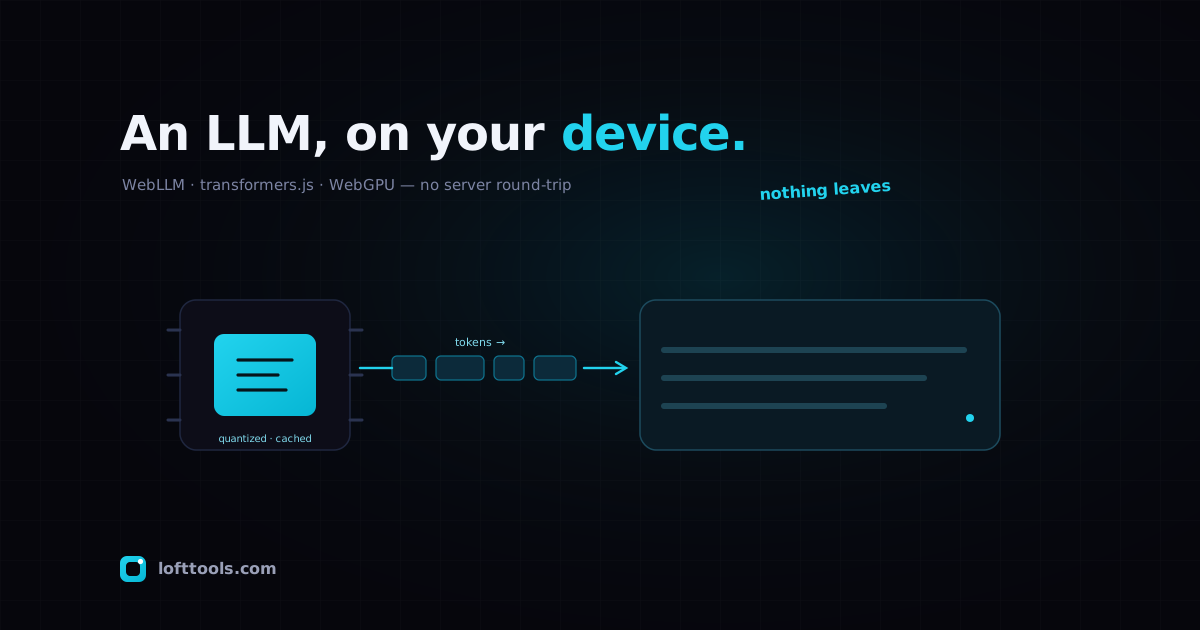
For most of the deep-learning era, “running a model” meant
renting a GPU somewhere and talking to it over HTTPS. The
weights lived on a server; your prompt travelled to them and
the tokens travelled back. That arrangement is so familiar
that the alternative still sounds faintly improbable: the
model runs in the tab, on your own machine, and nothing
leaves the device. As of 2026 that alternative is no longer a
demo. It is two reasonably mature libraries, a browser API
that finally shipped everywhere, and a set of constraints
worth being honest about.
This is a review of the two stacks that matter — MLC’s WebLLM
and Hugging Face’s transformers.js — and an attempt to say
plainly what client-side inference is good for and where it
still loses to a server.
The two stacks
The pieces are similar enough that it helps to name the
shared substrate first. Both libraries lean on WebGPU, the
browser API that exposes the GPU for general compute rather
than just drawing triangles. Where a model can’t or won’t use
the GPU, both fall back to WebAssembly on the CPU. In
either case the weights are downloaded once, cached in the
browser, and reused on later visits. After that first load the
network is out of the loop entirely.
WebLLM is the more specialised of the two. It is a
purpose-built inference engine for chat-style language models,
compiled from MLC-LLM, and it presents an OpenAI-compatible
API — chat.completions.create, streaming, JSON mode,
function calling. If you have written against the OpenAI SDK,
the surface area will feel like coming home; you swap the
client and the inference happens locally. Its model catalogue
is curated rather than open-ended: Llama 3 and Llama 2, Phi 3
/ Phi 2 / Phi 1.5, Gemma 2B, Mistral 7B, and the Qwen2 family
from 0.5B up to 7B, each pre-compiled and pre-quantized for
the web runtime. Caching is handled through the Cache API,
IndexedDB, or OPFS depending on the model.
transformers.js is the generalist. It is the JavaScript
port of Hugging Face’s Python transformers library, runs on
ONNX Runtime Web, and as of v3 reached roughly 120 supported
architectures and over 1,200 pre-converted models on the Hub.
Crucially it is not only a chat tool: the same library does
embeddings, speech recognition (Whisper), translation,
classification, object detection, text-to-speech. Enabling the
GPU is a single argument — device: 'webgpu' — and
quantization is chosen with a dtype field that accepts
everything from fp32 down to 4-bit (q4, q4f16, bnb4).
The breadth is the selling point and, as we’ll see, also the
catch.
How quantization makes this possible at all
None of this would fit in a browser tab at full precision. A
7B-parameter model in fp16 is roughly 14 GB — more than the
addressable memory budget of most consumer GPUs, never mind a
download you’d inflict on a first-time visitor. Quantization
is what closes the gap: storing weights at 4 or 8 bits instead
of 16 or 32. A 4-bit 7-8B model lands in the neighbourhood of
4-5 GB, which is downloadable (slowly) and, more importantly,
fits in the VRAM of a recent laptop GPU.
The cost is precision. Aggressive quantization shaves a little
off a model’s reasoning and its handling of long, intricate
prompts, and the smallest variants feel it most. In practice
the 4-bit versions of strong small models hold up well for
summarisation, drafting, classification, and structured
extraction. They are visibly weaker than a frontier model on
multi-step reasoning or code that has to be correct on the
first try. This is the central trade of the whole field, and
no amount of WebGPU cleverness makes it disappear.
What’s realistic today
The honest headline: small, quantized, instruction-tuned
models run genuinely well; large models do not run at all.
The MLC team’s own paper is the most credible numbers I’ve
found, precisely because it doesn’t oversell. On an Apple
MacBook Pro M3 Max, with 4-bit weights and a Chromium build
with WebGPU enabled, WebLLM decodes Llama-3.1-8B at about
41 tokens per second and Phi-3.5-mini at about 71 tokens
per second. Measured against the same models running on
native MLC-LLM, that is 71% and 80% of native
throughput respectively. The paper’s framing — retaining “up
to 80% of native performance” — is the right one to carry
around. WebGPU is not free relative to bare metal, but the tax
is far smaller than you’d guess for something running inside a
browser sandbox.
Two cautions about those figures. First, they’re from a high-
end Apple machine; a mid-range Windows laptop with a weaker
integrated GPU will be slower, sometimes considerably. Second,
they measure decode — the steady token-by-token generation —
and say nothing about the first-load experience, which is
where the real friction lives.
That first load is the part demos quietly skip. Before a
single token appears, the browser must fetch several gigabytes
of weights, hand them to the GPU, and compile shaders. On a
fast connection with a warm cache this is quick; on a cold
cache over hotel Wi-Fi it is a progress bar you’ll stare at.
The weights persist afterwards, so it’s a one-time cost per
model per device — but it shapes the products you can build.
A “click here, chat instantly” landing page is the wrong shape
for this technology. A tool the user installs once and returns
to is the right one.
transformers.js publishes a louder number — its v3 announcement
claims WebGPU inference “up to 100x faster than WASM.” I’d
treat that as a ceiling for favourable cases, not a typical
result; the realistic read is that GPU execution turns a model
that was painfully slow on the CPU into one that’s usable. For
the non-chat tasks transformers.js uniquely covers — a Whisper
transcription, a batch of embeddings — that shift from “too
slow to bother” to “fast enough” is the whole story, and it’s
a real one.
Choosing between them
The decision is mostly about what you’re building, not which
is “better.”
Reach for WebLLM when you want a chatbot or assistant and
nothing else. The OpenAI-shaped API, the curated and pre-
optimised model list, and the focus on generation make it the
shorter path to a working local chat feature. You give up
flexibility — you live within its catalogue — and get a
smoother ride in return.
Reach for transformers.js when language generation is one
job among several, or not the job at all. Embeddings for
client-side search, on-device transcription, translation, a
small classifier running over the user’s own data — this is
its territory, and nothing else comes close to its range.
Generation is supported and works, but it isn’t the centre of
gravity the way it is for WebLLM, and you’ll do more assembly
yourself.
A practical note from using both: transformers.js gives you
finer control over precision through its dtype options, which
matters when you’re hunting for the sweet spot between download
size and quality on a specific model. WebLLM makes that choice
for you. Whether that’s a feature or a limitation depends
entirely on your appetite for tuning.
The honest verdict
Client-side LLMs in 2026 are real, they are useful, and they
are not a replacement for server inference. They win
decisively on three axes. Privacy: the prompt and the
data never leave the device, which for medical notes, legal
drafts, or anything you simply don’t want to upload is not a
marketing line but the entire point. Offline: once cached,
the model works on a plane. Infrastructure: there is no
GPU bill, no rate limit, no inference endpoint to keep alive —
the user’s hardware does the work.
They lose, equally decisively, wherever capability or
consistency is the binding constraint. If you need the
strongest available reasoning, a very large context window, or
identical behaviour across a fleet of users regardless of
their hardware, the browser cannot give you that today. A
phone with 6 GB of shared memory and a budget GPU will not run
what a datacentre H100 runs, and pretending otherwise helps
nobody.
So the framing I’d offer is not “local versus cloud” but
“local first, where it fits.” A privacy-sensitive tool with
modest model demands is now better served in the browser than
on a server — cheaper, more private, and genuinely pleasant to
use once the weights are cached. A frontier-grade reasoning
product is not. The interesting work over the next year is in
the middle, and the two libraries reviewed here are the most
solid ground from which to attempt it. The remarkable thing,
still worth pausing on, is that the question is now which
local stack rather than whether local is possible at all.
Sources: the WebLLM repository
and the WebLLM paper (Ruan
et al.) for the engine, its model support, and the benchmark
figures; the Transformers.js v3 announcement
and the WebGPU guide
for transformers.js. Benchmark numbers are quoted from the
WebLLM paper’s reported measurements and have not been
independently reproduced here.